

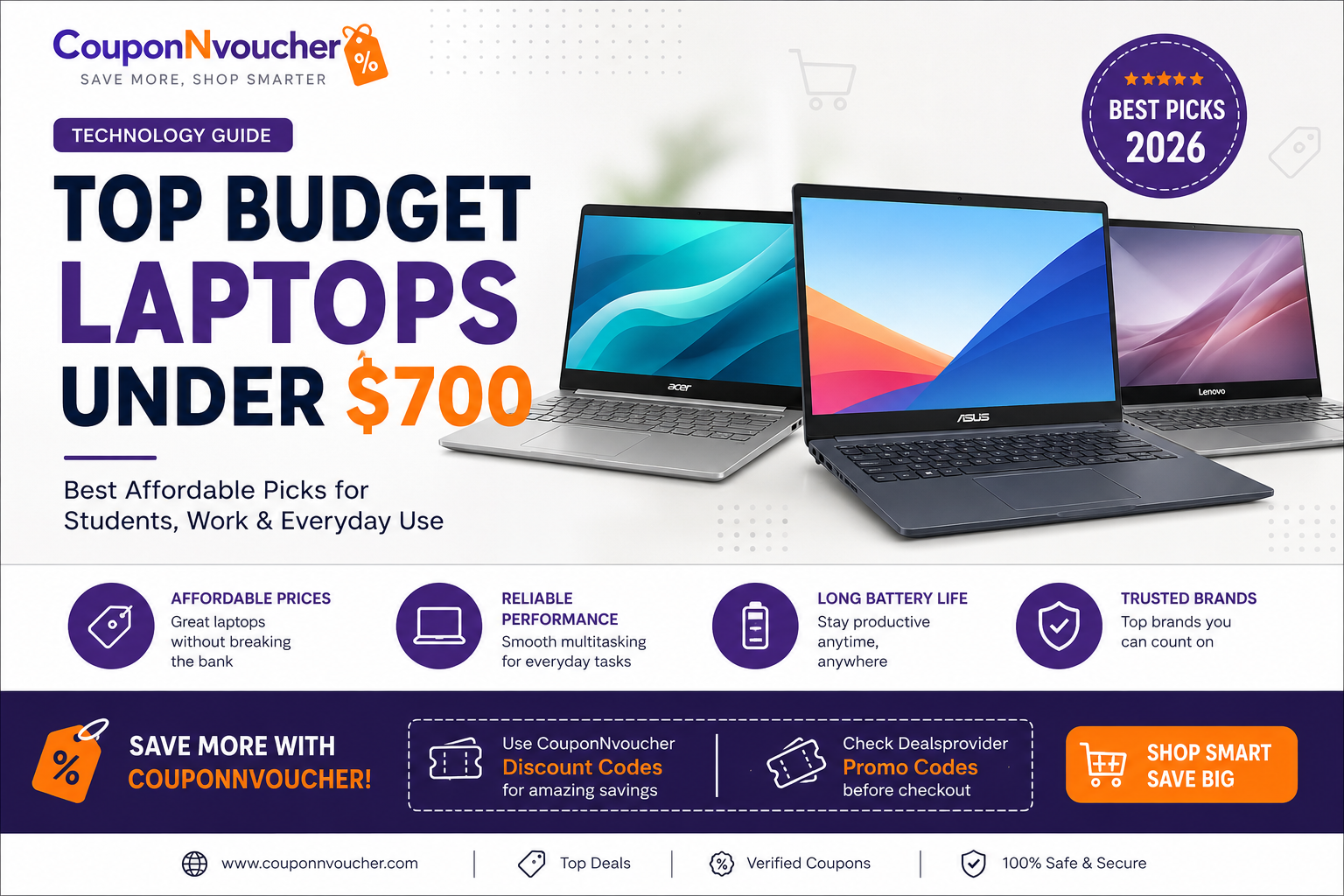
Finding a reliable laptop without spending a fortune is easier than ever. Thanks to advancements in technology, many manufacturers now offer powerful laptops under $700 that deliver excellent performance for students, professionals, remote workers, and casual users. Whether you need a device for online classes, office work, content streaming, or light creative tasks, there are plenty of affordable options available.
This guide explores the top budget laptops under $700, highlights the features that matter most, and shares practical tips to help you save even more on your purchase.
Why Choose a Laptop Under $700?
A budget-friendly laptop doesn’t mean sacrificing quality. Many laptops in this price range include modern processors, fast SSD storage, Full HD displays, and long-lasting batteries. They are designed to handle everyday computing needs while keeping costs low.
Great Value Without Overspending
Today’s affordable laptops provide excellent value for money. You can expect smooth web browsing, video conferencing, document editing, media streaming, and multitasking without investing in a premium device. Brands continue to improve their entry-level models by offering better performance and improved build quality each year.
Who Should Buy a Budget Laptop?
A laptop under $700 is ideal for:
- Students attending online or in-person classes
- Remote workers handling office tasks
- Freelancers and small business owners
- Families looking for a shared home computer
- Anyone needing a dependable laptop for everyday use
If you’re not editing 4K videos or playing high-end games, an affordable laptop can easily meet your daily requirements.
Top Budget Laptops Under $700 to Consider
Several manufacturers consistently produce reliable budget laptops with impressive features.
Acer Aspire Series
The Acer Aspire lineup remains one of the most popular choices for buyers seeking performance at an affordable price. Many models feature Intel Core i5 or AMD Ryzen 5 processors, 8GB or 16GB RAM, SSD storage, and Full HD displays. These laptops are excellent for productivity, studying, and entertainment.
ASUS Vivobook
The ASUS Vivobook offers a stylish design, lightweight construction, and dependable performance. It’s a great option for students and professionals who frequently travel. Many models also provide comfortable keyboards, quality displays, and impressive battery life.
Lenovo IdeaPad Slim
Lenovo’s IdeaPad Slim series is known for reliability and everyday performance. These laptops typically include fast SSD storage, modern processors, and excellent keyboards, making them ideal for office work, online meetings, and daily multitasking.
Other brands worth considering include HP Pavilion, Dell Inspiron, and MSI’s entry-level models, depending on your preferred features and current promotions.
Features to Look for Before Buying
Choosing the right laptop involves more than simply comparing prices. Understanding the key specifications will help you make a smarter purchase.
Processor and RAM
Look for Intel Core i5, AMD Ryzen 5, or newer processors whenever possible. Pairing these processors with at least 8GB of RAM ensures smooth multitasking and better overall performance. If you regularly run multiple applications, 16GB RAM is even better.
SSD Storage and Battery Life
Solid State Drives (SSDs) are significantly faster than traditional hard drives. A laptop with at least 512GB SSD storage provides quicker boot times, faster application loading, and a more responsive experience.
Battery life is another important factor. A laptop that offers eight to ten hours of battery life allows you to work, study, or travel without constantly searching for a power outlet.
Display and Build Quality
A Full HD (1920×1080) display delivers sharper text and better visuals for work, movies, and browsing. Lightweight laptops with durable construction are also easier to carry, especially for students and professionals who work on the go.
How to Save More on Your Laptop Purchase
Buying a budget laptop is already a smart financial decision, but there are additional ways to maximize your savings.
Use CouponNvoucher Discount Codes
Before completing your purchase, search for the latest CouponNvoucher Discount Codes. Many leading electronics retailers regularly offer exclusive discounts, seasonal promotions, student offers, and cashback opportunities. Applying a valid discount code can reduce the final price and help you get even better value for your money.
Check Dealsprovider Promo Codes Before Checkout
It’s also worth checking the latest Dealsprovide Promo Codes before placing your order. Promotional codes can unlock instant discounts, free shipping, bundle offers, or limited-time deals from popular online retailers. Spending a few extra minutes searching for available offers can result in significant savings.
Combining promotional codes with holiday sales, student discounts, or retailer-specific events often provides the best overall price on budget laptops.
Final Thoughts
The market for top budget laptops under $700 has never been more competitive. Whether you choose an Acer Aspire, ASUS Vivobook, Lenovo IdeaPad Slim, or another trusted model, you can enjoy reliable performance without exceeding your budget.
Before making your final decision, compare specifications such as processor, RAM, storage, battery life, and display quality to ensure the laptop fits your needs. Most importantly, don’t forget to look for the latest CouponNvoucher Discount Codes and Dealsprovider Promo Codes before checkout. A simple discount code can help you save even more, making an already affordable laptop an even smarter investment.
With careful research and the right deals, you can confidently purchase a dependable laptop that delivers excellent value for years to come.